How BizMula works –
simple and transparent
No office visits needed. Access our service online from any device.
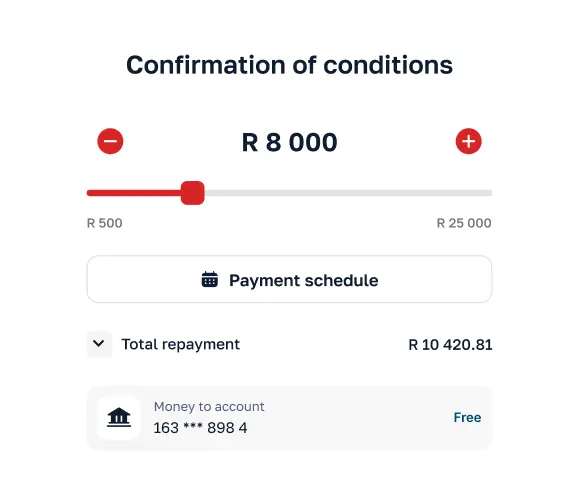
Complete registration & application
Provide details for the bank account you use for your business — that’s it

We assess your application
You get an amount offer – almost instantly
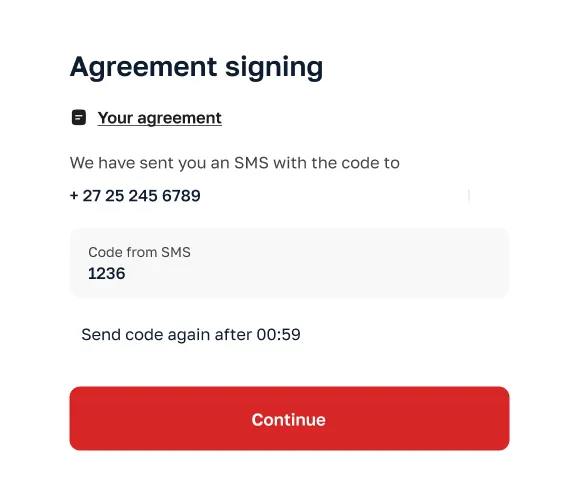
Sign on your phone
Sign the agreement and consent to the debicheck/registered mandate
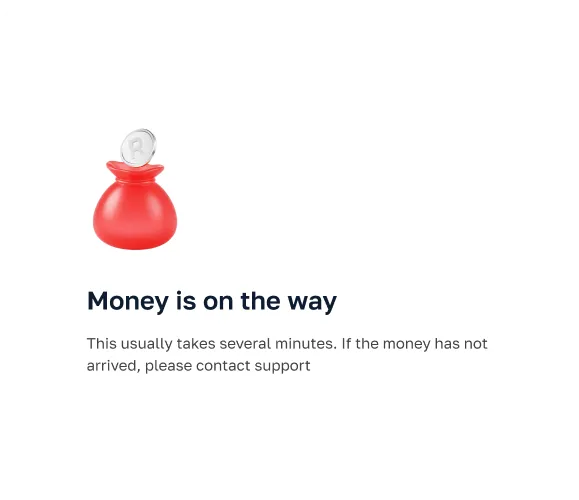
Funds paid out
We pay the money into your bank
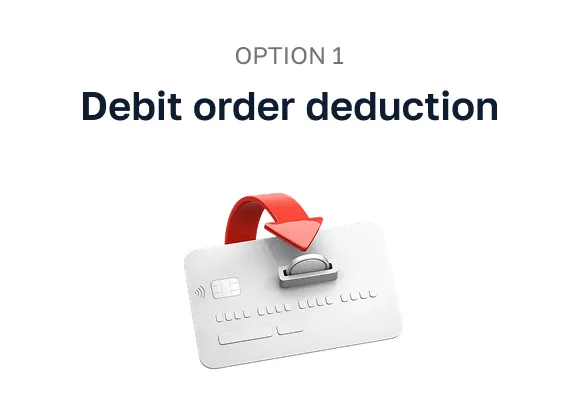
When you apply for the advance, we arrange debit order deduction of your repayment from your verified bank account. Aprove the debicheck – and pay weekly smaller amounts as per the agreement. Please make sure there are enough funds in your account before or on the due date.
If you decide to repay the loan before or after the payment deadline, an alternative payment option is available through our partners in your personal account https://bizmula.co.za/user/login
You can also use the link from BizMula (via SMS or email) to access your account.
Initiate a payment
Use “Repayment” option in your personal account
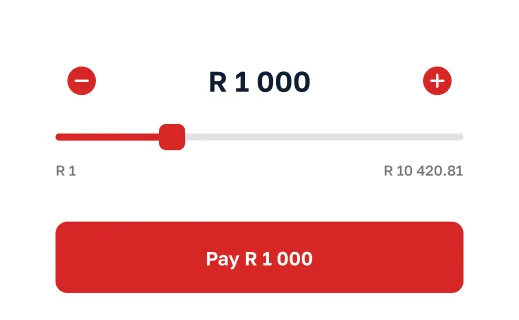
Define amount
Choose amount and press “Pay” on the loan page
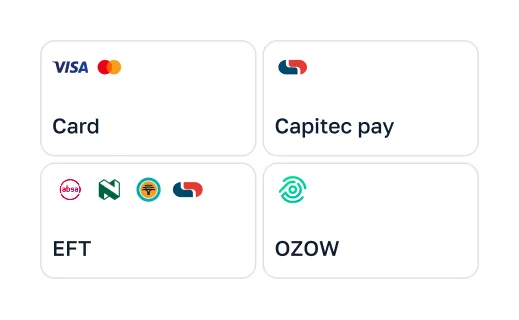
Choose a payment method
Tap the most convenient option for you
Complete your payment
The process varies depending on the payment method
 Capitec pay
 EFT
EFT OZOW
OZOW Card
Card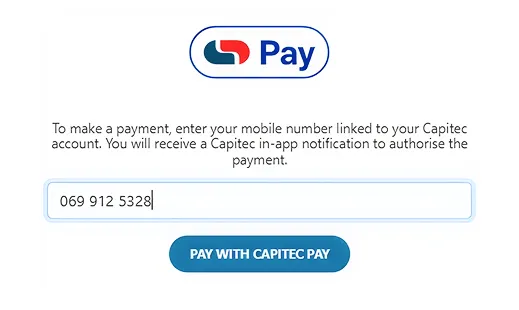
Capitec pay login
Enter your Capitec-linked number and select ”Pay with Capitec pay”
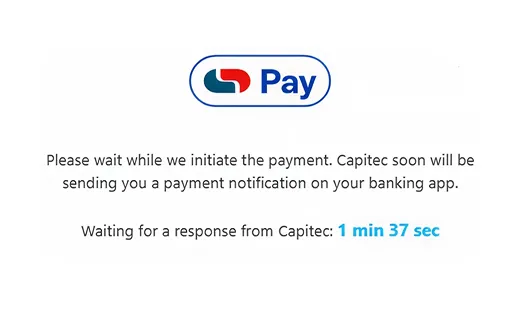
Confirm payment
You’ll see a pop-up. Open your Capitec app and approve the payment
That’s it! 🎉
Once approved, your payment will be marked as successful
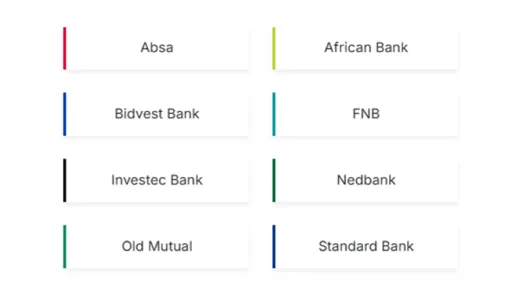
Pay via your bank
Select your bank on the payment page
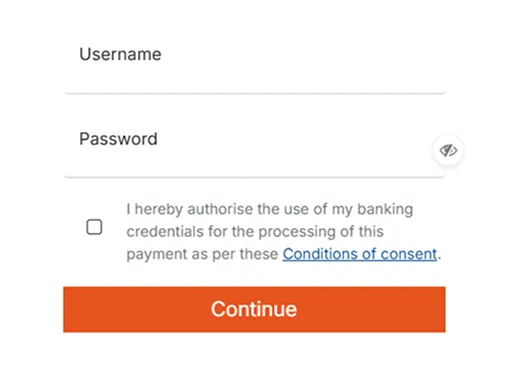
Access your bank account
Input your bank username and password
Finalize in banking app
Select account and approve payment in your banking app
That’s it! 🎉
Once authorized, your payment is processed instantly — funds are
transferred directly and confirmation is displayed immediately
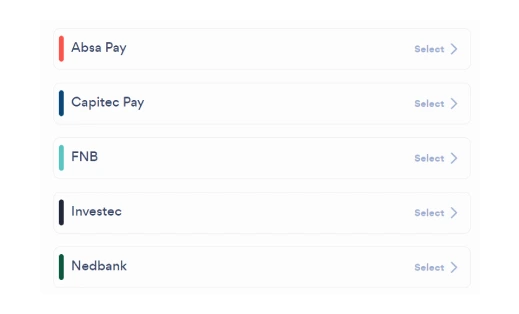
Pay via your bank
Select your bank on the OZOW payment page
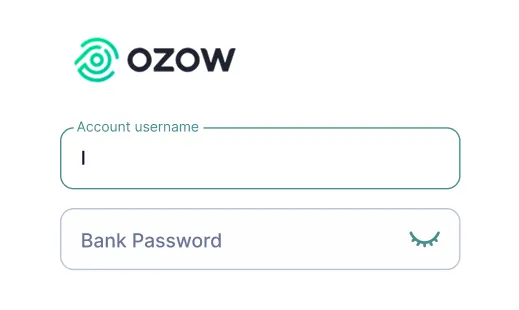
Access your OZOW account
Input your OZOW username and password
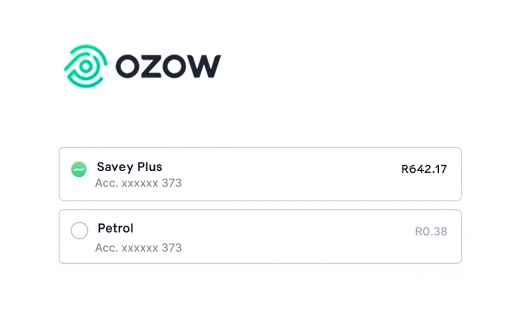
Use your bank account
Select one of your bank accounts from the list
Finalize in banking app
Select account and approve payment in your banking app
That’s it! 🎉
Once approved, your payment will be marked as successful
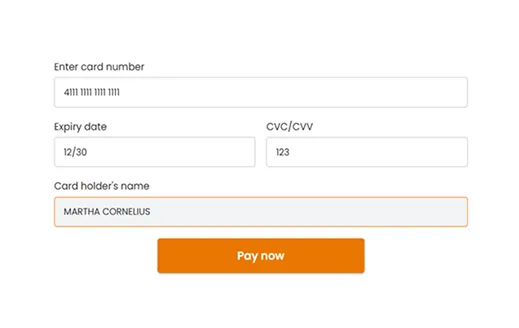
Enter your card details
Enter your card details: card number, expiry date, cardholder name (exactly as on card). Click ”Pay now” to complete your payment
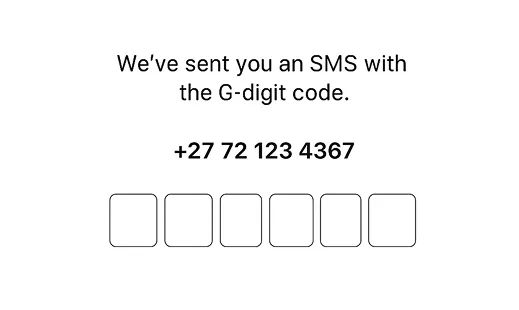
3D secure verification
If your card uses 3D Secure, you may need to enter a bank OTP to complete the payment
That’s it! 🎉
Once approved, your payment will be marked as successful